%20--%3e%3cdefs%3e%3cstyle%3e%20.st0%20{%20fill:%20%23f05323;%20}%20.st1%20{%20fill:%20%2300293e;%20}%20%3c/style%3e%3c/defs%3e%3cpolygon%20class='st1'%20points='118.22%20111.49%20110.64%20115.85%20110.64%20125.17%20118.22%20120.8%20147.46%20103.91%20155.04%2099.53%20155.04%2090.24%20147.46%2094.6%20118.22%20111.49'/%3e%3cpolygon%20class='st1'%20points='118.22%2094.44%20110.64%2098.8%20110.64%20108.1%20118.22%20103.72%20147.46%2086.84%20155.04%2082.48%20155.04%2073.19%20147.46%2077.55%20118.22%2094.44'/%3e%3cpolygon%20class='st1'%20points='118.22%20128.54%20110.64%20132.92%20110.64%20142.23%20118.22%20137.85%20147.46%20120.96%20155.04%20116.58%20155.04%20107.29%20147.46%20111.65%20118.22%20128.54'/%3e%3cpolygon%20class='st1'%20points='118.22%20145.61%20110.64%20149.99%20110.64%20159.28%20118.22%20154.9%20147.46%20138.01%20155.04%20133.63%20155.04%20124.34%20147.46%20128.72%20118.22%20145.61'/%3e%3cpath%20class='st1'%20d='M170.94,45.42L101.72,5.46c-3.69-2.13-8.27-2.13-11.96,0L20.54,45.42c-3.69,2.13-5.98,6.1-5.98,10.36v79.92c0,4.26,2.29,8.23,5.98,10.36l69.22,39.96c1.84,1.07,3.91,1.6,5.98,1.6s4.14-.53,5.98-1.6l69.22-39.96c3.69-2.13,5.98-6.1,5.98-10.36V55.78c0-4.26-2.29-8.23-5.98-10.36h0ZM95.74,16.91l25.93,14.98-64.09,36.98-25.93-14.94L95.74,16.91h0ZM91.56,172.17l-64.09-37.02V61.15l18.9,10.93h.02v35.07c0,1.38,1.26,2.43,2.64,2.17l7.83-1.48,10.4,10.95c1.38,1.44,3.81.47,3.81-1.54v-30.92l20.5,11.84v74h0ZM66.48,74.02l64.09-37,29.26,16.91-64.09,36.98-29.26-16.89ZM164.02,135.15l-6.99,4.03-8.35,4.83-32.32,18.65-8.35,4.83-8.09,4.68v-74l8.09-4.68,8.35-4.83,32.32-18.65,8.35-4.83,6.99-4.03v74Z'/%3e%3cpath%20class='st0'%20d='M148.67,70.01l-32.32,18.65-8.35,4.83-8.09,4.68v74l8.09-4.68,8.35-4.83,32.32-18.65,8.35-4.83,6.99-4.03V61.15l-6.99,4.03-8.35,4.83h0ZM155.04,133.63l-7.58,4.38-29.24,16.89-7.58,4.38v-9.29l7.58-4.38,29.24-16.89,7.58-4.38v9.29ZM155.04,116.58l-7.58,4.38-29.24,16.89-7.58,4.38v-9.31l7.58-4.38,29.24-16.89,7.58-4.36v9.29ZM155.04,99.53l-7.58,4.38-29.24,16.89-7.58,4.38v-9.33l7.58-4.36,29.24-16.89,7.58-4.36v9.29ZM155.04,82.48l-7.58,4.36-29.24,16.89-7.58,4.38v-9.31l7.58-4.36,29.24-16.89,7.58-4.36v9.29Z'/%3e%3cpath%20class='st0'%20d='M71.07,117.25c0,2.01-2.43,2.98-3.81,1.54l-10.4-10.95-7.83,1.48c-1.38.26-2.64-.79-2.64-2.17v-35.07h-.02l-18.9-10.93v74l64.09,37.02v-74l-20.5-11.84v30.92h0Z'/%3e%3cpolygon%20class='st0'%20points='130.57%2037.02%2066.48%2074.02%2095.74%2090.91%20159.83%2053.93%20130.57%2037.02'/%3e%3cpolygon%20class='st0'%20points='121.67%2031.89%2095.74%2016.91%2031.65%2053.93%2057.58%2068.87%20121.67%2031.89'/%3e%3c/svg%3e)



Guide
Updating facility information
Where listing details come from, and how to fix them.
How do I update my facility's address, hours, amenities or phone details?
Update them on your Storagely website. StorageInc.com picks up the change at its next refresh. If something still looks wrong afterwards, email support@storageinc.com.
StorageInc.com doesn't show facility phone numbers. Renters reach you through your rental links, reservations, or a callback form where one is set up.
Facility managers can't edit StorageInc.com directly; if you don't manage your website, ask whoever does in your company or your Storagely account team.
Do I have to update StorageInc separately when I change prices or availability?
No. Changes you make on your Storagely website reach StorageInc.com automatically at the next refresh, usually within about 20 minutes.
What if my location shows incorrect inventory?
First check what your own website shows — StorageInc mirrors it. If your website is right and StorageInc isn't after about 20 minutes, email support@storageinc.com with the page link.
How are facility photos chosen?
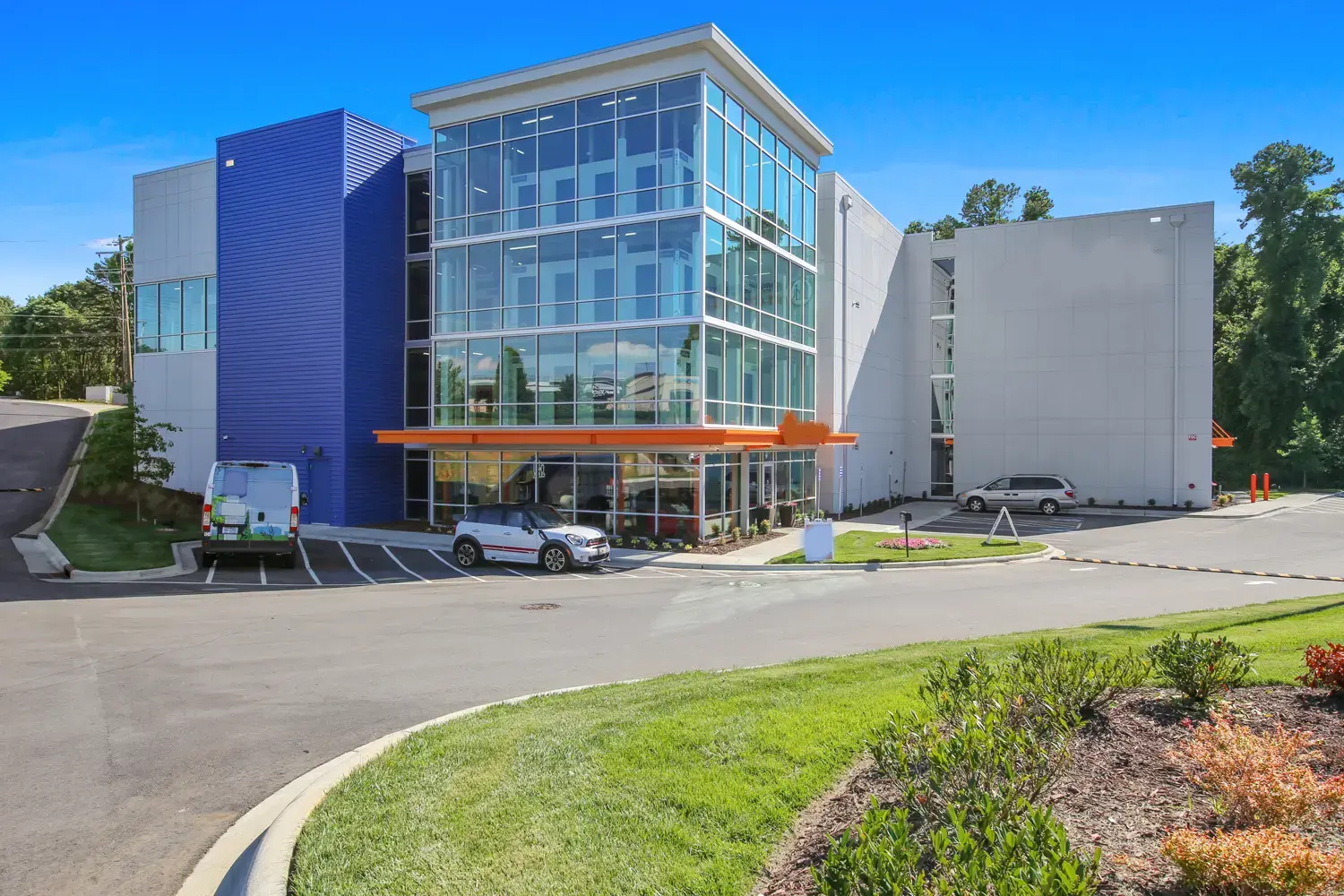
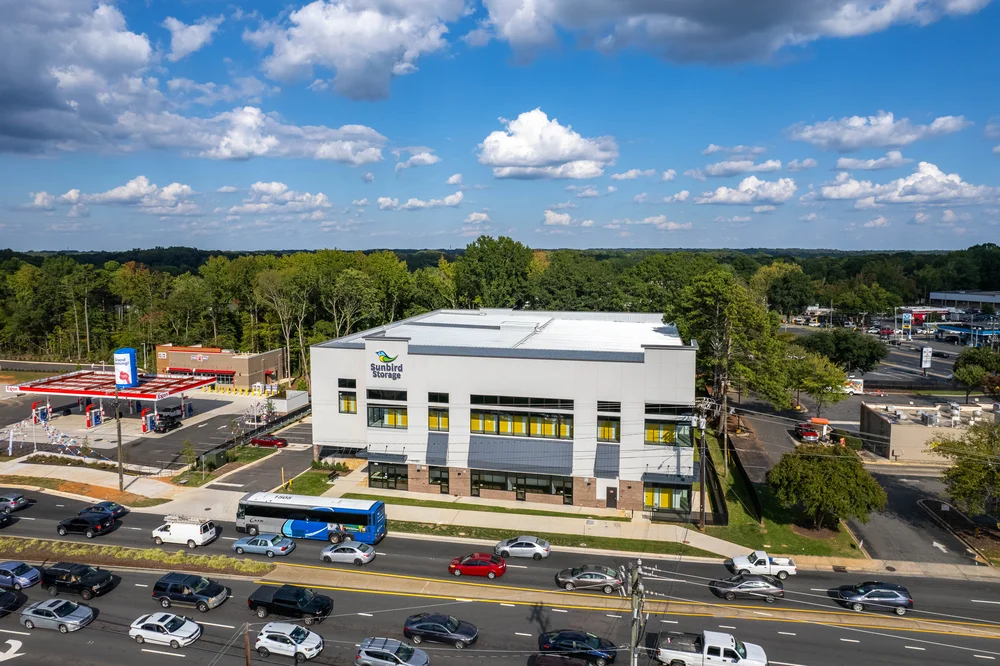
Facility photos come from your Storagely website. To change them, update the photos there.
How do I report an error on a listing?
Email support@storageinc.com with the page link and what's wrong.
How do I remove a closed location?
Email support@storageinc.com. The location is disabled right away and removed within one business day.
What happens when a location changes operators?
Let us know at support@storageinc.com. The listing is removed for the previous operator; the new operator would need to participate and approve the location for it to appear again.
Last reviewed 2026-10-21